

Creating a memorable brand identity requires more than just a great product or service. Visual appeal plays a massive role in how potential customers perceive your business. Every social media post, email newsletter, and website banner communicates something specific about your company’s values and professionalism.
Many entrepreneurs struggle to balance the need for high-quality visuals with the realities of a tight budget. Hiring a full-time designer or outsourcing every single creative task often exceeds the financial bandwidth of a growing company. Fortunately, software developers have recognized this gap, leading to an explosion of accessible, powerful software platforms designed specifically for non-experts.
Finding the right software can dramatically reduce the time it takes to produce professional-grade marketing materials. You can empower your team to create stunning graphics in-house, maintaining brand consistency without breaking the bank. To help you navigate the crowded software market, we will review the best graphic design tools for small businesses available right now.
By understanding the strengths and ideal use cases for each platform, you can select the perfect suite of tools to elevate your company’s aesthetic, engage your target audience, and ultimately drive more sales.
The Power of Graphic Design and Visual Communication
 Before jumping into specific software recommendations, it helps to understand why these tools matter so much. Effective graphic design and visual communication form the bridge between your business ideas and your audience’s understanding. People process images significantly faster than text. A well-crafted infographic or a striking social media image can convey complex information in a fraction of a second.
For small businesses, this visual communication serves as a silent ambassador. High-quality design builds trust. When a potential customer lands on a beautifully designed website or sees a polished Instagram post, they subconsciously associate that visual quality with the quality of your actual products. Conversely, sloppy or outdated graphics can cause instant friction, leading users to click away and look for a competitor.
Investing in proper tools ensures your visual communication remains consistent across all channels. Consistency breeds familiarity, and familiarity breeds trust. By keeping your colors, typography, and image styles uniform, you build a recognizable brand presence that sticks in the minds of your consumers.
Top Graphic Design Tools for Small Businesses
The market offers a wide variety of software, ranging from incredibly simple drag-and-drop editors to complex professional suites. Here is a breakdown of the best graphic design tools for small businesses, categorized by their strengths and ideal use cases.
Canva: The Undisputed King of Templates
When discussing accessible design, Canva inevitably enters the conversation. This web-based platform revolutionized the industry by making high-quality design accessible to anyone, regardless of their prior experience.
Canva operates on a freemium model, providing a massive library of free templates, fonts, and stock photos. You can create everything from business cards and flyers to TikTok videos and presentation decks. The drag-and-drop interface feels highly intuitive. You simply select a template, swap out the text, adjust the colors to match your brand, and export the final file.
For growing teams, Canva Pro offers essential collaboration features. You can set up a “Brand Kit” that stores your company’s official logos, color palettes, and fonts. This ensures that any employee, whether they are in marketing or human resources, can generate brand-compliant materials quickly. The Pro version also includes a background remover tool, which saves countless hours when creating product mockups or team headshots.
Adobe Express: Professional Polish Made Easy
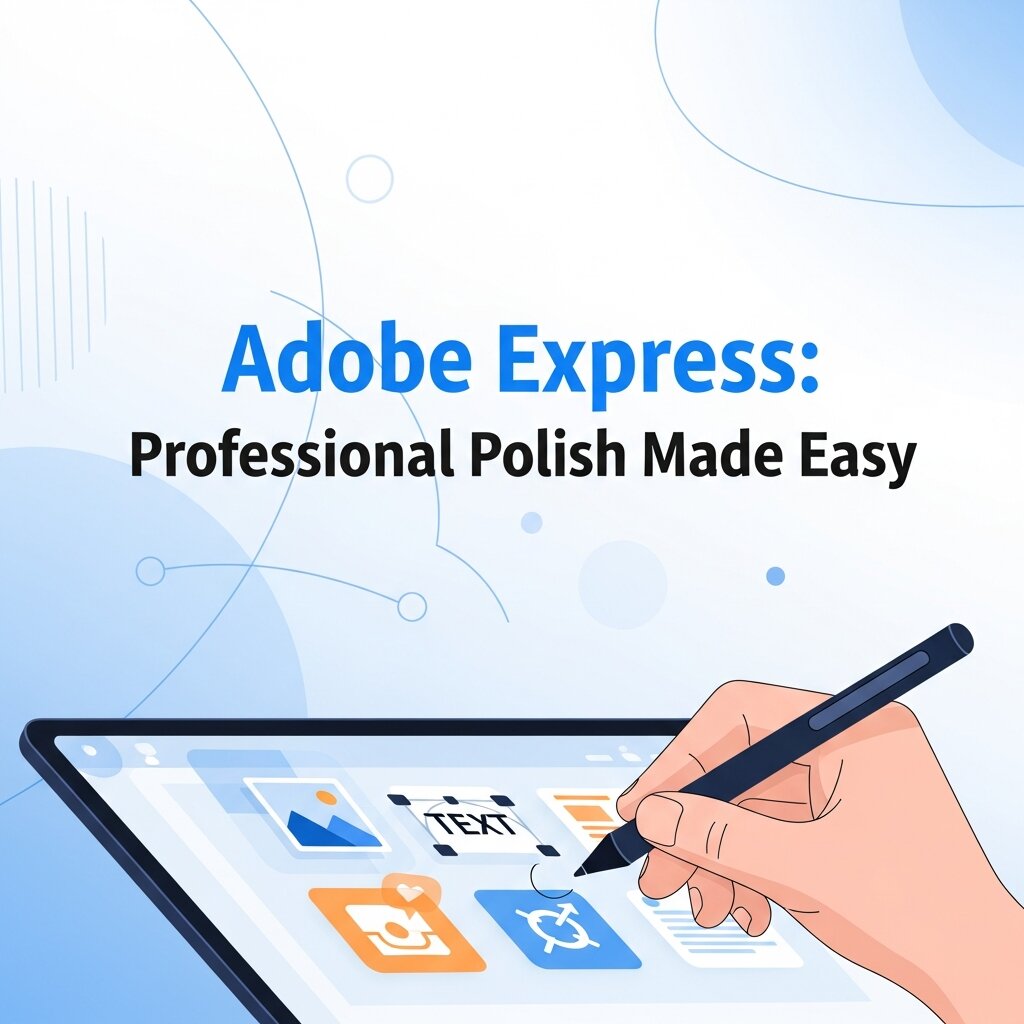 Adobe has long dominated the professional design space with applications like Photoshop and Illustrator. Recognizing the need for a more accessible option, they created Adobe Express. This platform directly competes with Canva, offering a similarly intuitive, template-driven experience.
Adobe Express stands out through its integration with the broader Adobe ecosystem. If you occasionally work with freelance designers who use Photoshop or Illustrator, Adobe Express makes it easy to import their assets and tweak them for social media. The platform also leverages Adobe’s powerful AI technology, allowing users to generate text effects and unique images from simple text prompts.
Small businesses focused heavily on social media video will find a lot to love here. Adobe Express includes robust video editing features, enabling you to trim clips, add transitions, and overlay animated text with remarkable ease. It serves as an excellent middle ground for users who want Adobe-level quality without the steep learning curve.
Visme: Mastering Data Visualization Graphic Design
Not all visual communication revolves around social media banners or promotional flyers. Many B2B companies, consultants, and agencies need to present complex data to their clients. This is where Visme shines as a premier platform for data visualization graphic design.
Visme allows users to transform boring spreadsheets and raw statistics into engaging, interactive infographics, charts, and reports. The platform provides a wide array of data widgets. You can easily input your numbers and watch as the software generates beautiful bar graphs, pie charts, and flowcharts.
Beyond static images, Visme supports interactive elements. You can create presentations where charts animate upon loading or offer hover-over tooltips that reveal additional data points. For small businesses trying to pitch investors, present annual reports, or publish industry research, Visme elevates the standard of your documentation and makes your data highly digestible.
Affinity Designer: Budget-Friendly Vector Graphics
Template-based tools work perfectly for everyday marketing tasks, but sometimes you need to create original assets from scratch. Designing a scalable company logo or custom illustrations requires vector graphic software. Adobe Illustrator is the industry standard, but its monthly subscription fee can deter budget-conscious entrepreneurs.
Affinity Designer offers a spectacular alternative. It provides professional-grade vector editing capabilities for a one-time purchase fee. You get access to advanced pen tools, non-destructive boolean operations, and powerful typography controls without being locked into a recurring subscription.
The software runs incredibly smoothly, even when handling complex documents with thousands of layers. It also allows you to switch seamlessly between vector and raster workspaces, meaning you can design a crisp logo and immediately add textured pixel brushes to it within the same application. For small business owners willing to learn the fundamentals of vector design, Affinity Designer provides unmatched value.
Figma: Collaborative Interface Design
If your small business operates in the digital space—perhaps you are developing a mobile app, designing a new website, or creating a digital product—Figma is an essential tool. While it falls under the umbrella of graphic design, Figma specializes in user interface (UI) and user experience (UX) design.
Figma operates entirely in the browser, making it inherently collaborative. Multiple team members can view and edit the same design file simultaneously, much like Google Docs. This real-time collaboration eliminates the endless back-and-forth of sending design revisions via email.
You can use Figma to build interactive prototypes. This allows you to simulate how a website will function before writing a single line of code. You can link buttons to different screens, test navigation flows, and gather feedback from stakeholders. Even if you are not building an app, Figma serves as a fantastic, free-to-use vector editor for creating social media graphics and digital advertisements.
Snappa: Quick and Easy Social Media Graphics
Some small business owners find even the most user-friendly platforms slightly overwhelming due to feature bloat. If your sole objective is to generate social media images and blog headers as quickly as possible, Snappa is a highly streamlined alternative.
Snappa focuses purely on speed. The platform strips away complex presentation builders and video editors to focus entirely on fast graphic creation. It provides pre-sized templates for every major social network, ensuring your Twitter header or Facebook ad displays perfectly without any awkward cropping.
The platform includes access to a massive library of high-resolution, royalty-free stock photos. You can easily drop a photo into the background, apply a color overlay, and add your text in minutes. Snappa is the ideal tool for solo entrepreneurs or busy managers who need to maintain an active social media presence but have strictly limited time to dedicate to design work.
Choosing the Right Tool for Your Workflow
 With so many options available, selecting the right software depends entirely on your specific business requirements, budget, and team structure.
If you are a solo entrepreneur handling everything from marketing to customer service, a highly intuitive, template-driven platform like Canva or Adobe Express will save you the most time. These tools eliminate the blank-page syndrome and get your campaigns off the ground quickly.
If your company frequently publishes research reports, white papers, or complex client pitches, investing time into a specialized tool like Visme will drastically improve your data visualization graphic design. Making your data look good is just as important as the data itself when trying to establish authority in your industry.
For businesses looking to build custom brand assets, logos, and unique merchandise designs, a vector-based tool is necessary. Affinity Designer offers the best financial proposition for small businesses, allowing you to own powerful software outright.
Often, the best approach involves combining two platforms. For example, you might use Affinity Designer to create a custom company logo and unique brand illustrations, and then upload those assets into Canva. From there, your entire team can use those custom assets to build daily social media posts using Canva’s easy drag-and-drop templates.
Frequently Asked Questions (FAQ)
What are the best graphic design tools for small businesses?
Some of the best graphic design tools for small businesses include Canva, Adobe Express, Visme, Affinity Designer, Figma, and Snappa. Each platform offers different features for social media design, branding, presentations, vector graphics, and collaborative visual communication depending on business needs.
Which graphic design tool is easiest for beginners?
Canva is widely considered the easiest graphic design tool for beginners because of its drag-and-drop interface and ready-made templates. Users can quickly create professional-looking graphics, presentations, flyers, and social media posts without requiring advanced design skills or technical experience.
Is free graphic design software good enough for small businesses?
Yes, many free graphic design tools provide enough features for small businesses starting out. Platforms like Canva, Figma, and Adobe Express offer free plans with templates, stock images, and editing tools. Businesses can create high-quality marketing materials without spending large amounts on software initially.
Why is visual communication important for businesses?
Visual communication helps businesses present information quickly, clearly, and professionally. Strong graphics improve customer engagement, build trust, strengthen brand recognition, and increase marketing effectiveness. High-quality visuals also help businesses stand out from competitors across websites, advertisements, and social media platforms.
What is vector graphic design software used for?
Vector graphic design software is mainly used for creating logos, illustrations, icons, and scalable brand assets. Unlike regular images, vector graphics maintain quality at any size. Tools like Affinity Designer and Adobe Illustrator are popular choices for professional vector-based design projects.
Building a Better Visual Identity
Effective visual communication is no longer a luxury reserved for massive corporations with dedicated design departments. The barriers to entry have fallen drastically. Today, anyone can produce stunning, professional-grade marketing materials with a bit of practice and the right software suite.
By taking advantage of the best graphic design tools for small businesses, you take direct control over how the world perceives your brand. You can establish trust, communicate your unique value proposition clearly, and stand out in a crowded digital marketplace. Review your current marketing strategy, identify where your visual communication could improve, and start experimenting with these platforms today. Upgrading your visual identity is one of the most cost-effective ways to accelerate your business growth.



Leave a Reply