

Every great piece of art requires the right set of instruments. For modern creators, those instruments live on screens, offering endless possibilities for bringing ideas to life. Choosing the right software can dramatically shift how you work, saving you hours of frustration while unlocking new levels of creativity.
Finding the perfect fit can feel overwhelming with so many options available. Software companies release major updates constantly, and new platforms emerge to challenge the old guard. You need tools that align with your specific workflow, skill level, and budget.
This guide breaks down the best tools for graphic design available right now. We cover everything from industry-standard powerhouses to beginner-friendly web apps. You will also learn how to choose software based on specific niches, including typography, illustration, and complex data formatting. By the end of this post, you will know exactly which application belongs in your creative arsenal.
Graphic Design vs Visual Design: Understanding the Difference
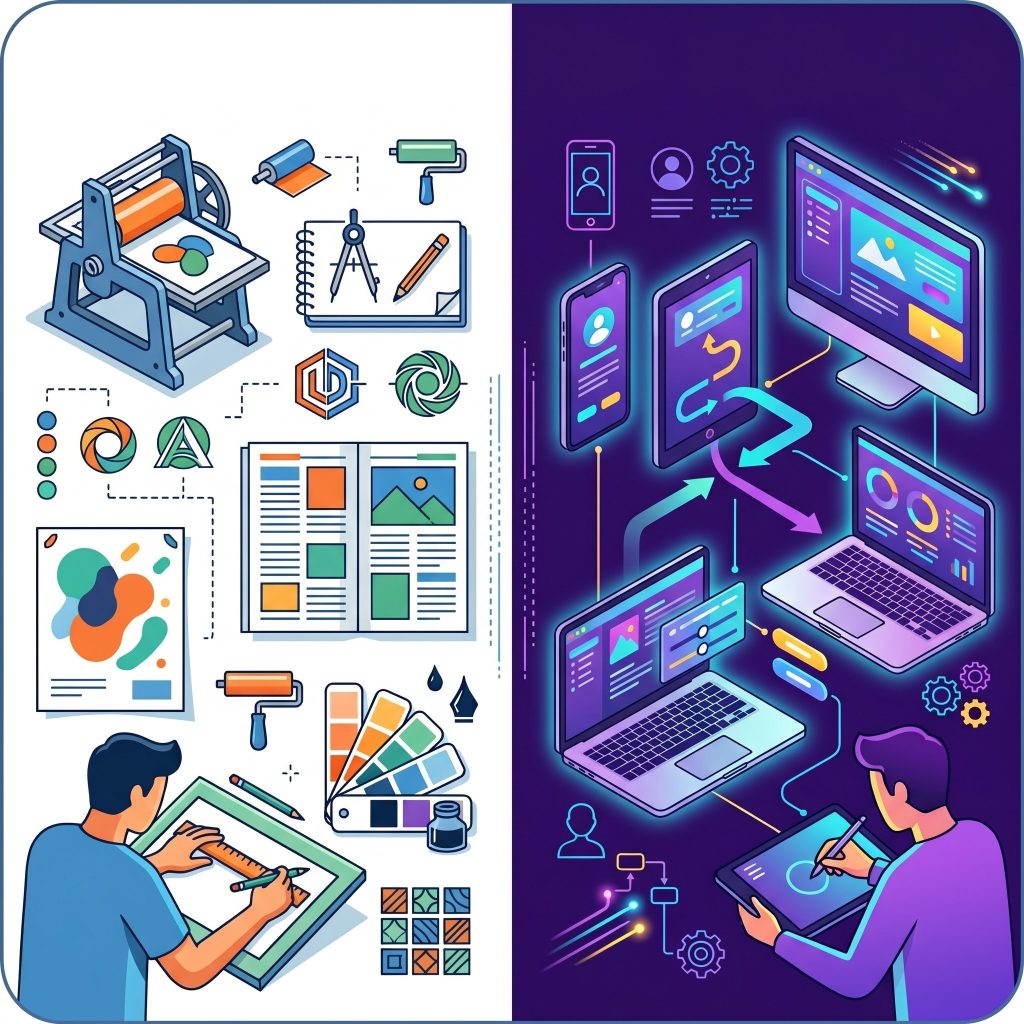 Before selecting your software, it helps to clarify exactly what kind of work you plan to do. People often use the terms graphic design and visual design interchangeably. However, they refer to slightly different disciplines.
Graphic design traditionally focuses on communicating a specific message to an audience. Professionals in this field create logos, brochures, posters, and branding materials. Their work often bridges the gap between digital platforms and physical print. They rely heavily on typography, color theory, and layout composition to guide the viewer’s eye and deliver a clear, impactful message.
Visual design takes a broader approach, focusing heavily on the overall aesthetics and user experience of digital products. Visual designers work on website interfaces, mobile apps, and interactive media. Their goal is to create a cohesive, engaging look and feel across digital platforms. They care deeply about user interaction, screen responsiveness, and digital accessibility.
Many of the tools listed below cater to both fields. Some shine brighter for print media, while others are purpose-built for digital interfaces. Keep your primary goals in mind as you review the options.
Top Graphic Design Tools for Every Creator
The following platforms represent the best options for creators at various stages of their careers. Whether you are a solo freelancer or part of a large agency, you will find a tool that fits your needs.
Adobe Illustrator: The Industry Standard for Vectors
Adobe Illustrator remains the undisputed king of vector graphics. Professionals use it to create logos, typography, and intricate illustrations that can scale infinitely without losing quality. If you plan to work in the design industry professionally, learning Illustrator is essentially a requirement.
The software offers an incredibly robust set of features. You can manipulate paths with precision, create custom brushes, and seamlessly integrate your work with other Adobe Creative Cloud apps. The learning curve is steep. Beginners might feel intimidated by the sheer number of panels and tools. However, mastering Illustrator provides you with unparalleled creative freedom.
Canva: Best for Beginners and Quick Projects
Canva democratized design. This web-based platform allows anyone, regardless of their artistic background, to create stunning visuals in minutes. It relies on a simple drag-and-drop interface and offers thousands of pre-made templates for social media posts, presentations, and flyers.
You do not need to understand complex design theory to use Canva effectively. The platform handles layout and alignment intuitively. It also provides a massive library of stock photos, icons, and fonts. While it lacks the advanced precision tools required for professional logo creation or complex vector manipulation, Canva is perfect for marketers, small business owners, and creators who need fast, reliable results.
Figma: Top Choice for UI/UX and Collaboration
Figma revolutionized the way teams build digital products. It is a cloud-based design tool built specifically for interface creation and prototyping. If your work leans heavily toward visual design for websites and apps, Figma is the absolute best choice on the market.
The biggest advantage of Figma is real-time collaboration. Multiple designers, copywriters, and developers can work within the same file simultaneously. You can leave comments directly on the canvas and create interactive prototypes to test user flows. The platform is lightweight, runs in your browser, and offers a generous free tier for individuals.
Procreate: The Digital Illustrator’s Dream
Procreate turned the iPad into a professional art studio. This app is specifically designed for digital painting and illustration. It offers hundreds of customizable brushes that closely mimic real-world mediums like graphite, watercolor, and oil paint.
Artists love Procreate for its highly responsive interface and lack of subscription fees. You pay a one-time fee and own the software forever. It includes advanced features like layering, blending modes, and animation assist. If your creative process involves freehand drawing, Procreate paired with an Apple Pencil provides a remarkably natural drawing experience.
Affinity Designer: The Budget-Friendly Powerhouse
Many creators want professional-grade tools without the burden of a monthly subscription. Affinity Designer answers that call perfectly. It is a powerful vector graphic software that rivals Adobe Illustrator in performance and features, available for a single, flat fee.
Affinity Designer allows you to switch seamlessly between vector and pixel workspaces. This means you can create crisp, scalable logos and then add textured, raster-based shading without leaving the application. It handles complex documents smoothly and supports all major file types. For freelancers and independent creators looking to cut overhead costs, this software is an exceptional investment.
The Rise of Data Visualization Graphic Design
 Numbers and statistics can easily bore an audience if presented poorly. Data visualization graphic design solves this problem by turning complex datasets into engaging, easy-to-understand visuals. This specialized niche requires tools that can handle raw data while providing robust aesthetic customization.
Tableau: Best for Complex Data
Tableau is an incredibly powerful platform for translating massive amounts of data into interactive dashboards and charts. While it leans more toward business intelligence than traditional art, a skilled designer can use Tableau to create visually striking, highly informative graphics. It allows you to connect directly to databases and manipulate data points visually, making it essential for corporate reporting and large-scale infographic projects.
Infogram: Great for Stunning Infographics
Infogram sits perfectly at the intersection of data management and visual appeal. It allows designers to upload spreadsheets and instantly convert them into beautiful charts, maps, and infographics. The platform offers a wide variety of customizable templates that ensure your data remains accessible and visually cohesive. It is an excellent tool for journalists, educators, and marketers who need to present facts compellingly.
Choosing the Right Tool Based on Your Skill Level
Selecting the right graphic design tool depends heavily on your current skill level. Beginners should focus on simple, intuitive platforms that provide templates and guided design experiences. These tools help build confidence without overwhelming users with complex features. Intermediate designers can explore software that offers more control over layouts, typography, and customization. Advanced professionals typically require high-performance tools with precision controls, extensive plugin ecosystems, and support for complex workflows. Understanding your current abilities helps you avoid frustration and accelerates your learning curve. Instead of jumping straight into complicated software, gradually upgrading your tools ensures steady improvement and better long-term results in your creative journey.
The Importance of Typography in Design Software
Typography plays a critical role in graphic design, often determining how effectively your message is communicated. The best design tools offer robust typography controls, including font pairing, spacing adjustments, and advanced text styling features. Good typography enhances readability, creates visual hierarchy, and strengthens brand identity. Designers should choose tools that allow them to experiment with different fonts and layouts easily. Access to font libraries and customization options can significantly improve the quality of your work. Whether you are designing a logo, website, or social media post, mastering typography within your chosen software helps you create more polished and professional designs that resonate with your audience.
Cloud-Based Design Tools vs Desktop Software
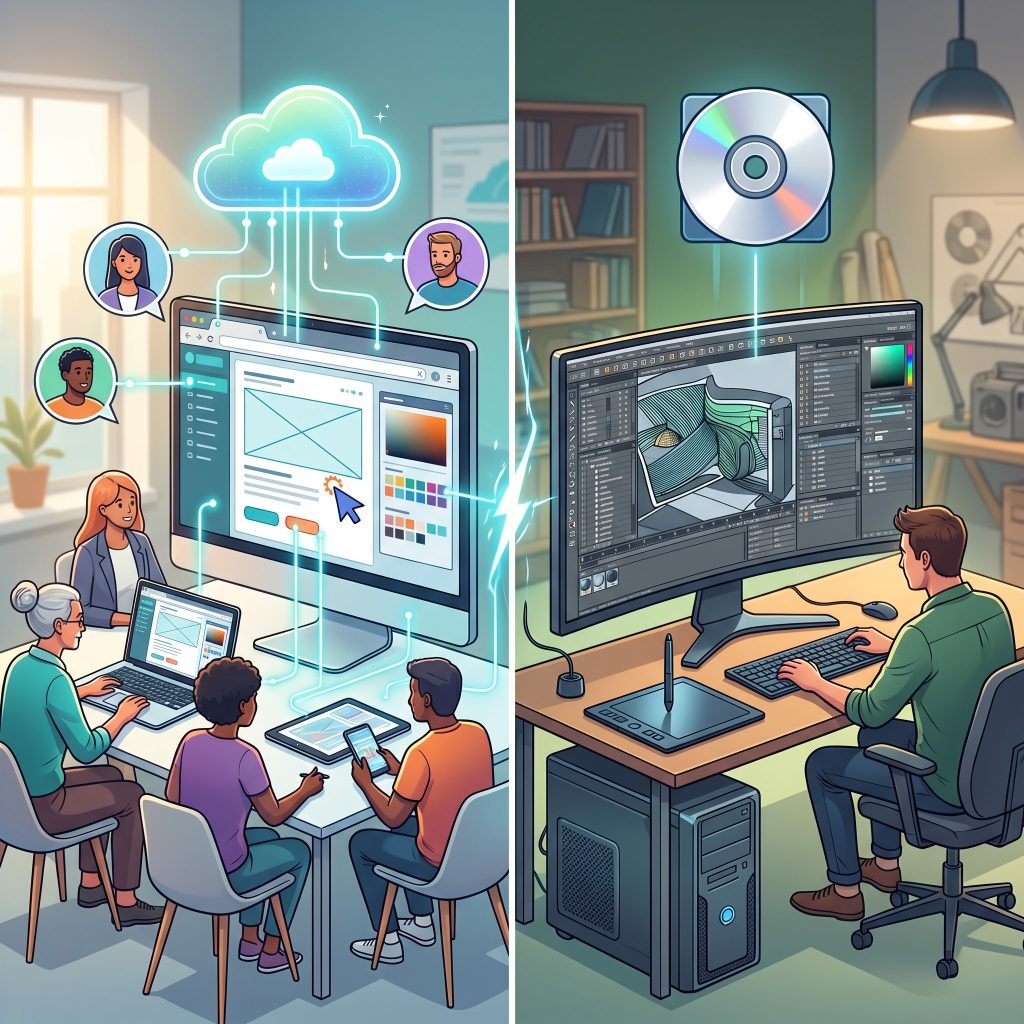 Modern designers often choose between cloud-based tools and traditional desktop software. Cloud-based platforms allow you to work from anywhere, collaborate in real time, and access your files across multiple devices. They are ideal for teams and remote work environments. On the other hand, desktop software typically offers more powerful features, better performance, and offline access. These tools are preferred for complex projects that require high processing power. Each option has its advantages, so your choice should depend on your workflow and project requirements. Many designers use a combination of both, leveraging the flexibility of cloud tools and the strength of desktop applications.
How Plugins and Integrations Enhance Workflow
Plugins and integrations can significantly improve your design workflow by adding extra functionality to your software. Many design tools support third-party plugins that help automate repetitive tasks, improve collaboration, and expand creative possibilities. For example, you can use plugins for stock images, icon libraries, or advanced animation features. Integrations with other tools like project management software or cloud storage platforms streamline your workflow and reduce manual effort. Choosing software with a strong plugin ecosystem ensures that you can adapt and scale your workflow as your needs evolve. This flexibility is especially valuable for professional designers working on complex projects.
Building a Consistent Design Workflow
A well-structured workflow is essential for maintaining consistency and efficiency in your design projects. Start by organizing your files, assets, and templates in a way that is easy to access and reuse. Use consistent naming conventions and design systems to maintain uniformity across projects. Many modern tools allow you to create reusable components, styles, and templates that save time and ensure consistency. Establishing a clear process—from brainstorming and sketching to final execution—helps reduce errors and improve productivity. A consistent workflow not only speeds up your work but also enhances the overall quality of your designs.
Future Trends in Graphic Design Tools
The world of graphic design tools continues to evolve rapidly, driven by advancements in technology. Artificial intelligence is becoming a major factor, helping designers automate tasks like background removal, layout suggestions, and color matching. Augmented reality and 3D design capabilities are also gaining popularity, allowing creators to build immersive experiences. Cloud collaboration will continue to improve, making teamwork more seamless than ever. As new tools emerge, designers must stay updated to remain competitive. Embracing these trends early can give you a significant advantage, helping you create innovative designs and stay ahead in an increasingly competitive creative industry.
Frequently Asked Questions
Take Your Next Creative Step
Choosing the right software is just the beginning of your creative process. The true magic happens when you start experimenting, making mistakes, and finding a workflow that feels natural to you. Every professional started exactly where you are right now—staring at a blank digital canvas.
Download a few free trials or set up a free account with the web-based platforms mentioned above. Spend an hour clicking around the interfaces to see which one makes the most sense to your brain. Once you find a comfortable fit, start building your portfolio and bringing your ideas to life.



Leave a Reply