

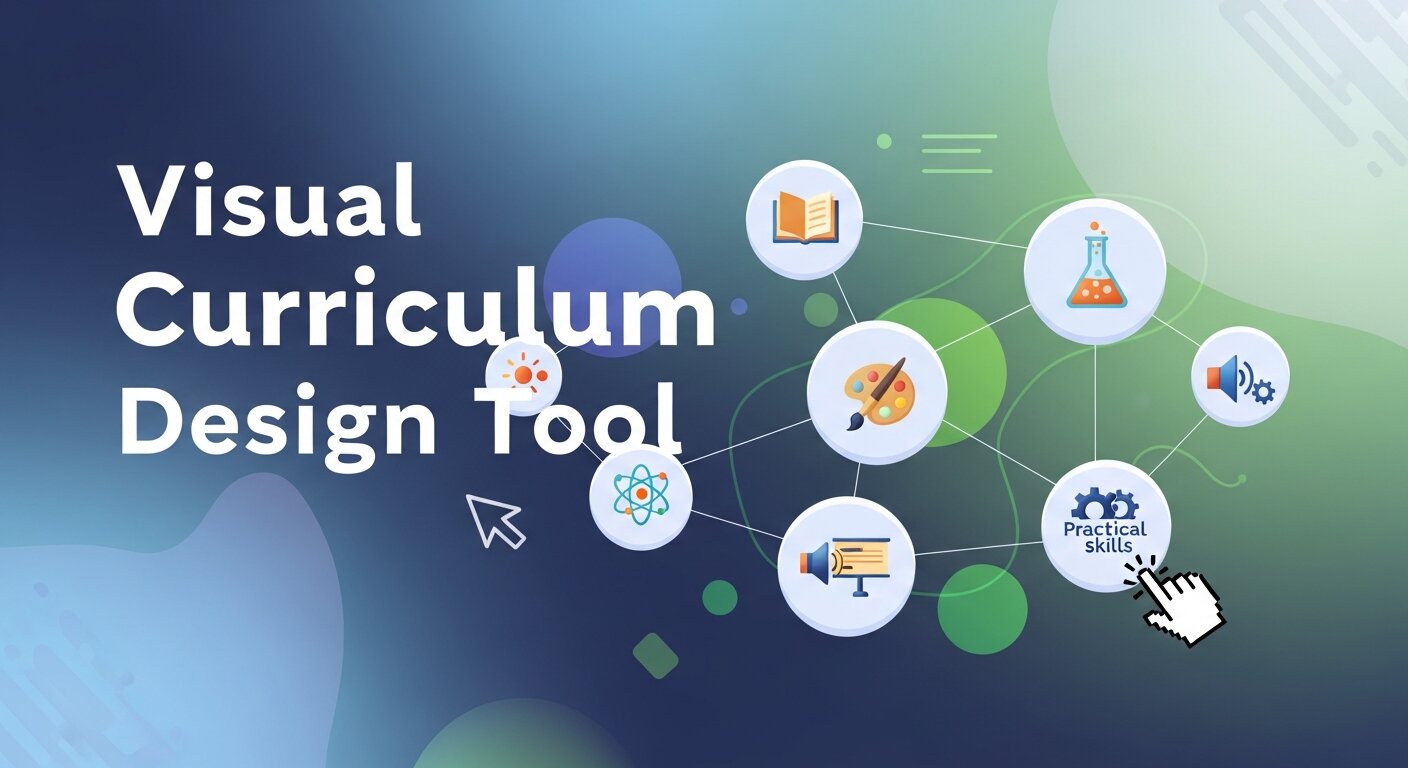
Creating engaging lesson plans is a constant challenge for educators. Traditional, text-heavy syllabi often fail to capture student attention and can be difficult to update or adapt. When learning materials lack interactivity, students struggle to stay focused, and teachers spend hours trying to explain concepts that could be easily demonstrated.
A visual curriculum design tool solves this problem by transforming static documents into dynamic, interactive experiences. By mapping out learning objectives, activities, and assessments in a visual format, educators can create a clear and engaging roadmap for their students. This approach makes it easier to spot gaps in the curriculum and ensures a logical flow of information.
Using the right software allows you to build educational materials that are both functional and visually appealing. You can incorporate multimedia elements, interactive quizzes, and visual aids that cater to different learning styles. This guide explains how to leverage these tools to enhance your lesson planning process, improve student engagement, and streamline your workflow.
The Shift Toward Interactive Lesson Planning
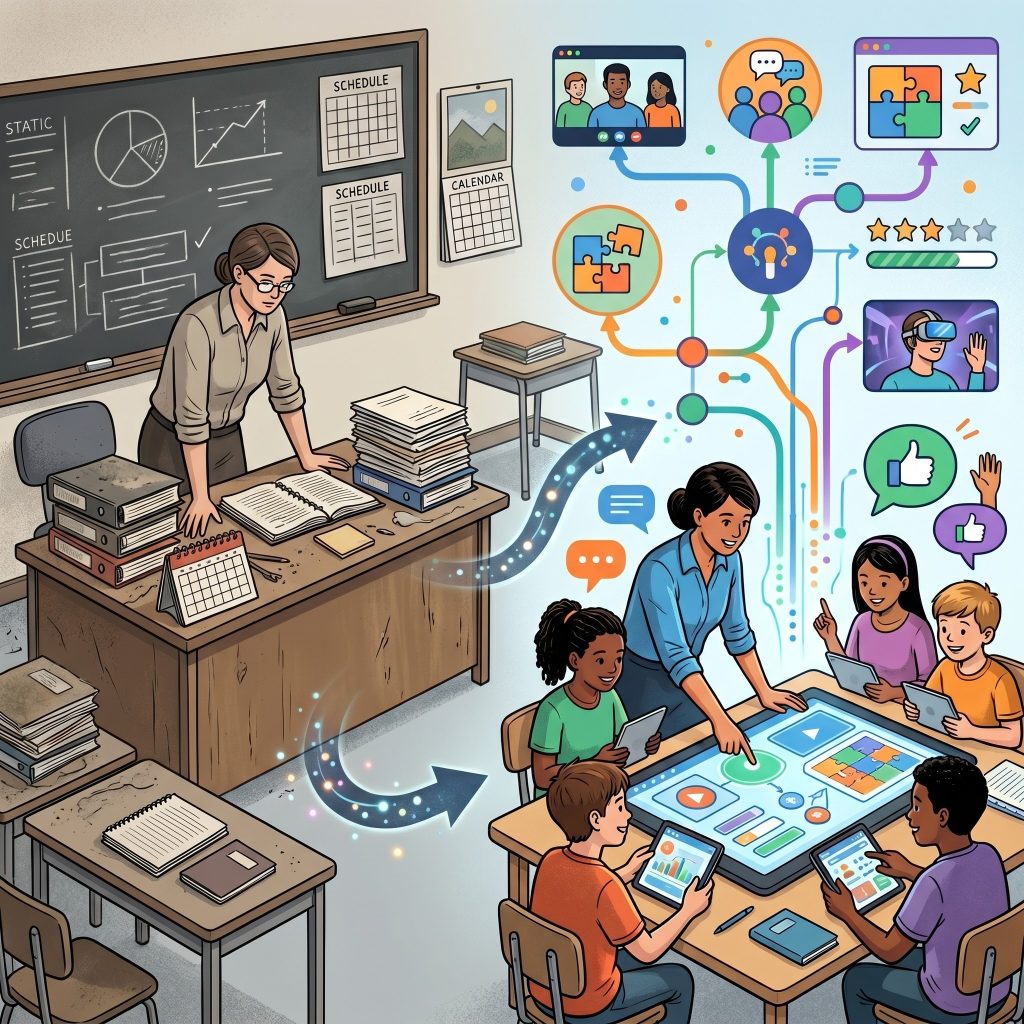 Education has moved far beyond the days of chalkboards and overhead projectors. Modern classrooms require dynamic approaches that keep students actively involved in the learning process. An interactive lesson plan does exactly that. It invites students to participate, explore, and interact with the material rather than passively consuming information.
When you use a visual curriculum design tool, you gain the ability to structure lessons in a way that naturally encourages interaction. You can build branching scenarios, embed video content, and create interactive modules that respond to student inputs. This level of engagement helps improve retention rates and makes learning significantly more enjoyable.
Bridging the gap between teaching and design
Educators are increasingly acting as instructional designers. They must consider not only what they teach but how the information is presented. A well-structured lesson plan uses visual cues to guide the student’s eye, highlight critical information, and break down complex concepts into digestible pieces.
Understanding Design Concepts in Education
To maximize the impact of your teaching materials, it helps to understand a few basic design principles. You do not need an art degree to create compelling lessons, but knowing the terminology and strategies can elevate your curriculum.
Graphic design vs visual design: What educators need to know
When discussing educational materials, people often confuse graphic design with visual design. Understanding graphic design vs visual design is helpful for structuring your course materials. Graphic design typically focuses on creating specific visual assets, such as a logo, an illustration, or a specific worksheet layout. It is about communicating a specific message through typography, color, and images.
Visual design, on the other hand, is broader. It encompasses the entire user experience. In the context of lesson planning, visual design dictates how the student navigates through the curriculum. It focuses on the aesthetics and usability of the lesson as a whole, ensuring that the transition from one module to the next is intuitive and visually consistent.
The importance of graphic design and visual communication
At its core, teaching is an act of communication. The integration of graphic design and visual communication ensures that your educational content is easily understood. When you pair a complex scientific concept with a clear, well-designed diagram, you reduce the cognitive load on your students. They spend less time trying to decipher dense text and more time grasping the actual concept.
Using consistent colors, clear fonts, and high-quality images helps establish a hierarchy of information. This tells the student exactly what is most important and what they need to remember.
What Makes a Visual Curriculum Design Tool Essential?
Planning a semester’s worth of content requires intense organization. A visual curriculum design tool provides a bird’s-eye view of your entire educational strategy.
Streamlined organization and flow
Mapping out lessons visually allows you to see the connections between different topics. You can easily drag and drop modules to rearrange the sequence of classes, ensuring a logical progression of skills. If you notice that a specific week is too heavy on lectures and too light on interactive activities, a visual overview makes that imbalance immediately obvious.
These tools often include templates and frameworks that help you structure your course according to proven pedagogical models. This saves time and ensures that you cover all necessary learning objectives.
Integrating data visualization graphic design
Complex data can overwhelm students. Whether you are teaching history, science, or mathematics, you often need to present statistics or timelines. Incorporating data visualization graphic design into your lesson plans turns abstract numbers into tangible concepts.
A good curriculum design platform allows you to embed interactive charts, graphs, and infographics directly into the lesson. Students can hover over data points to reveal more information, making the exploration of data an active learning experience rather than a passive reading exercise.
Top Features to Look for in a Visual Curriculum Design Tool
Not all curriculum planning software is created equal. When selecting a platform for your educational institution, look for features that specifically support visual mapping and interactivity.
Drag-and-drop interfaces
Ease of use is paramount. You want a tool with an intuitive drag-and-drop interface. This allows you to quickly build flowcharts, sequence activities, and insert multimedia elements without needing to write a single line of code.
Collaboration capabilities
Teaching is rarely a solo endeavor. Many educators co-teach or work within departments to align their syllabi. Choose a tool that supports real-time collaboration. This enables multiple teachers to leave comments, suggest edits, and work together on the same curriculum map simultaneously.
Multimedia integration
An interactive lesson plan must support various types of media. Ensure the tool you select allows you to easily embed videos, audio clips, interactive PDFs, and external web links. The richer the media environment, the more engaging the lesson will be.
Steps to Build an Interactive Lesson Plan
 Transitioning to a visual planning method can feel daunting at first. Follow these straightforward steps to start building interactive lessons effectively.
Start with learning objectives
Begin by defining exactly what the student should know or be able to do by the end of the lesson. Place these objectives at the top of your visual map. Every subsequent activity, reading assignment, and assessment should clearly tie back to these foundational goals.
Map the visual journey
Create a flowchart of the lesson. Start with an introductory hook, move into the core content delivery, and map out the interactive activities. Use different colors or shapes in your visual curriculum design tool to represent different types of activities. For instance, make all reading assignments blue squares and all interactive quizzes green circles. This color-coding makes it easy to review the balance of activities at a glance.
Incorporate interactive elements
Once the structure is in place, add your interactive components. Insert prompts for group discussions, embed a drag-and-drop matching game to test vocabulary, or link to a virtual simulation. Ensure that students have frequent opportunities to interact with the material to check their understanding before moving on to the next topic.
The Role of AI in Visual Curriculum Design Tools
Artificial intelligence is rapidly transforming how educators design and manage curriculum. Modern visual curriculum design tools now integrate AI features that can suggest lesson structures, recommend learning activities, and even identify gaps in course coverage. This reduces the manual workload for teachers and ensures more balanced, well-structured lesson plans. AI can also analyze student performance data to recommend personalized learning paths, helping educators adapt content to different skill levels. By combining automation with visual planning, teachers can create smarter and more efficient curricula. These intelligent systems also improve consistency across departments by aligning learning outcomes and assessments. As AI continues to evolve, it will play an even greater role in making curriculum design faster, more accurate, and more responsive to student needs.
Collaborative Curriculum Design for Modern Education Teams
Collaboration is essential in modern education, especially when multiple teachers or departments contribute to the same curriculum. Visual curriculum design tools make teamwork easier by allowing real-time editing, commenting, and shared access to lesson plans. Educators can work together to align learning objectives, adjust timelines, and ensure consistency across different subjects or grade levels. This collaborative approach reduces duplication of effort and improves curriculum quality. It also helps schools maintain a unified teaching strategy, ensuring all students receive a similar standard of education. Communication features within these tools allow quick feedback and discussion, making planning more efficient. As a result, teachers can focus more on delivering engaging lessons rather than spending excessive time coordinating manually.
Enhancing Student Engagement Through Interactive Learning Design
Student engagement is one of the most important goals in modern education, and visual curriculum design tools play a major role in achieving it. By incorporating interactive elements such as quizzes, simulations, videos, and visual storytelling, educators can transform passive learning into active participation. These tools help teachers design lessons that appeal to different learning styles, making content more accessible and enjoyable. When students interact with materials instead of just reading them, they retain information more effectively and stay motivated throughout the course. Visual structures also help learners understand complex topics by breaking them into simple, organized steps. This approach encourages curiosity, participation, and deeper understanding, ultimately improving academic performance and classroom experience.
Data-Driven Curriculum Improvement and Analytics
 Data analytics is becoming a key part of education planning through visual curriculum design tools. These platforms can track how students interact with lessons, identify which topics are most challenging, and highlight areas where learners struggle. Educators can use this information to refine lesson plans, adjust pacing, and improve instructional strategies. Data-driven insights also help schools measure the effectiveness of teaching methods and curriculum structures over time. By analyzing engagement levels and assessment results, teachers can make informed decisions to improve learning outcomes. This continuous feedback loop ensures that curriculum design is always evolving based on real performance data rather than assumptions. As a result, education becomes more efficient, targeted, and impactful for every student.
Accessibility and Inclusive Learning in Digital Curriculum Design
Accessibility is a crucial factor in modern education, and visual curriculum design tools help ensure that learning materials are inclusive for all students. These platforms allow educators to create content that supports learners with different abilities, including those with visual, auditory, or cognitive challenges. Features like adjustable text sizes, screen reader compatibility, captioned videos, and simplified layouts make lessons more accessible. Inclusive design ensures that no student is left behind due to learning barriers. Teachers can also customize materials to meet individual student needs, offering alternative formats or additional support resources. By prioritizing accessibility, educators create a more equitable learning environment where every student has the opportunity to succeed.
Future Trends in Visual Curriculum Design Technology
The future of visual curriculum design tools is expected to be shaped by emerging technologies such as virtual reality, augmented reality, and adaptive learning systems. These innovations will allow educators to create immersive learning experiences where students can explore complex concepts in interactive environments. For example, science students may conduct virtual experiments, while history students can explore reconstructed historical events. Additionally, machine learning will continue to enhance personalization, adapting lesson content based on student progress in real time. Cloud-based platforms will further improve accessibility, enabling teachers and students to collaborate from anywhere in the world. As these technologies evolve, curriculum design will become more dynamic, engaging, and deeply personalized than ever before.
Frequently Asked Questions (FAQ)
What is a visual curriculum design tool?
A visual curriculum design tool is software that helps educators plan lessons in a structured, visual format. Instead of using static documents, teachers can map learning objectives, activities, and assessments in interactive layouts, making curriculum planning clearer, faster, and more engaging.
How does a visual curriculum design tool improve teaching?
It improves teaching by organizing lessons visually and making content easier to understand and update. Teachers can identify gaps, adjust lesson flow, and add multimedia elements. This leads to better student engagement, improved lesson clarity, and more effective learning experiences.
Do I need design skills to use a visual curriculum design tool?
No, you do not need professional design skills. Most tools offer drag-and-drop interfaces, templates, and pre-built structures. These features allow educators to create professional, visually appealing lesson plans without any background in graphic design or technical knowledge.
Can visual curriculum design tools support different learning styles?
Yes, they support multiple learning styles by allowing integration of videos, images, audio, quizzes, and interactive activities. This helps visual, auditory, and kinesthetic learners understand concepts more effectively and stay engaged throughout the lesson.
Are visual curriculum design tools useful for all subjects?
Absolutely. These tools can be used for math, science, language arts, history, and more. Any subject that requires structured lesson planning or concept explanation can benefit from visual mapping and interactive content integration.
Next Steps for Modern Educators
Updating your lesson plans to reflect modern visual and interactive standards takes effort, but the payoff in student engagement is substantial. By moving away from static documents and embracing visual mapping, you create courses that are easier to manage and far more enjoyable to teach.
Review your current syllabus and identify one upcoming unit that feels a bit dry. Search for a visual curriculum design tool that fits your budget and start mapping out that single unit. As you become more comfortable with the software, you can gradually expand this approach to your entire curriculum, ultimately creating a more dynamic and effective learning environment for your students.



Leave a Reply