

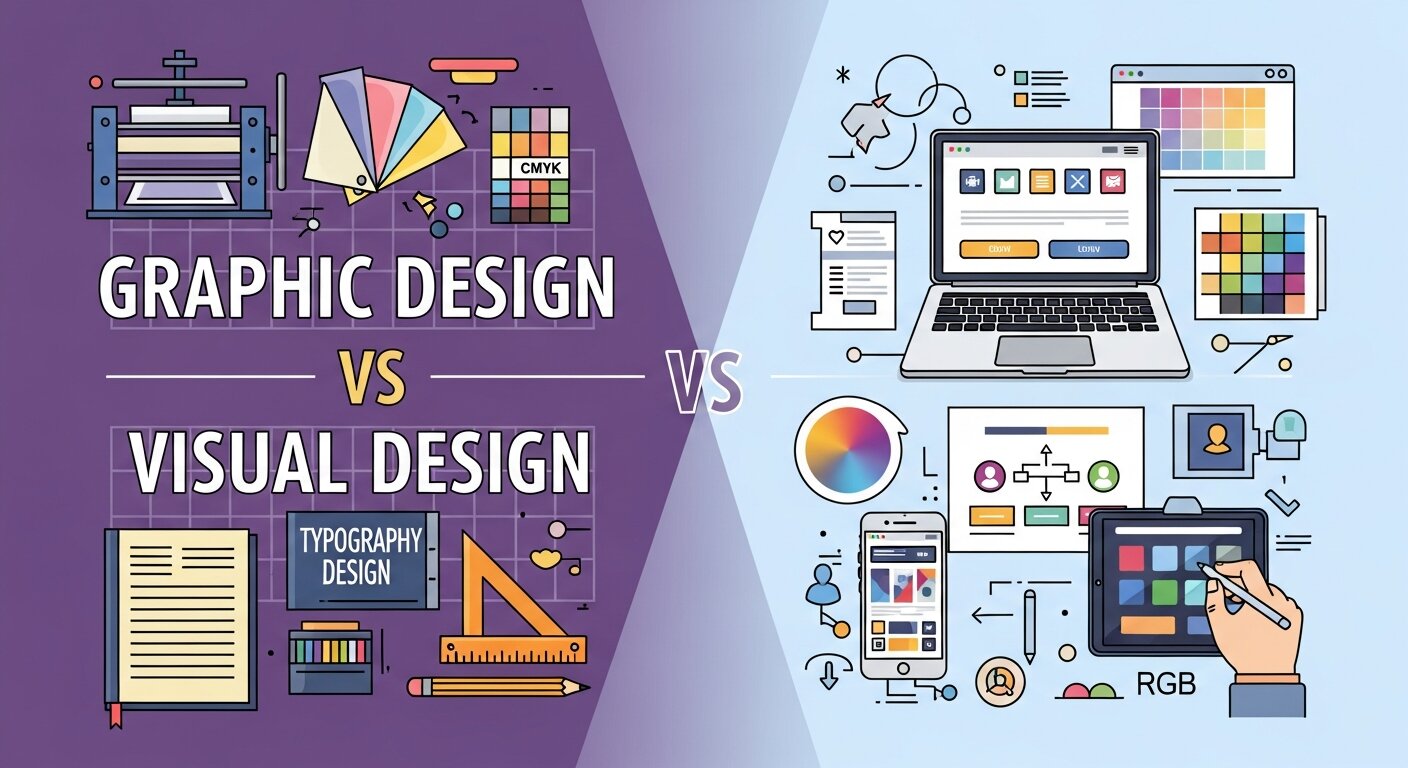
People often use design terms interchangeably, leading to confusion for businesses looking to hire professionals or students choosing a career path. You might look at a stunning website, a clever billboard, or an engaging mobile app and simply call it “design.” However, the industry separates these creative disciplines into distinct categories.
Understanding graphic design vs visual design is essential for building a strong brand identity and creating effective user experiences. Both fields require a keen eye for aesthetics, a deep understanding of color theory, and a mastery of typography. Yet, they serve different purposes, use different media, and require entirely different strategic approaches.
This comprehensive guide explains the core principles of both disciplines. You will learn the exact difference between graphic and visual design, explore the specific software used by professionals, and understand how data visualization plays a crucial role in modern communication. By the end of this article, you will know exactly which type of design aligns with your specific project needs.
Understanding the Foundations of Graphic Design
 Graphic design has a rich history that predates the digital era by centuries. It focuses primarily on communicating specific messages to a targeted audience through typography, imagery, and layout techniques.
The Connection Between Graphic Design and Visual Arts
Historically, the link between graphic design and the visual arts has been incredibly strong. Early graphic designers were often trained painters, printmakers, or illustrators. They applied traditional art principles to commercial projects. Graphic design still relies heavily on these classical concepts. A graphic designer might create a logo, format a magazine layout, or design a billboard. Their primary goal is to solve a specific communication problem. They arrange elements on a page—whether physical or digital—to guide the reader’s eye and convey information clearly.
Core Responsibilities of a Graphic Designer
Graphic designers handle a wide range of deliverables. They create branding materials, brochures, packaging, and marketing collateral. Their work demands a strict adherence to brand guidelines. A successful graphic designer knows how to balance creativity with commercial objectives. They must ensure that a company’s printed materials look exactly as intended when they come off the printing press. This requires technical knowledge of color profiles like CMYK, bleed margins, and paper types.
Exploring the Realm of Visual Design
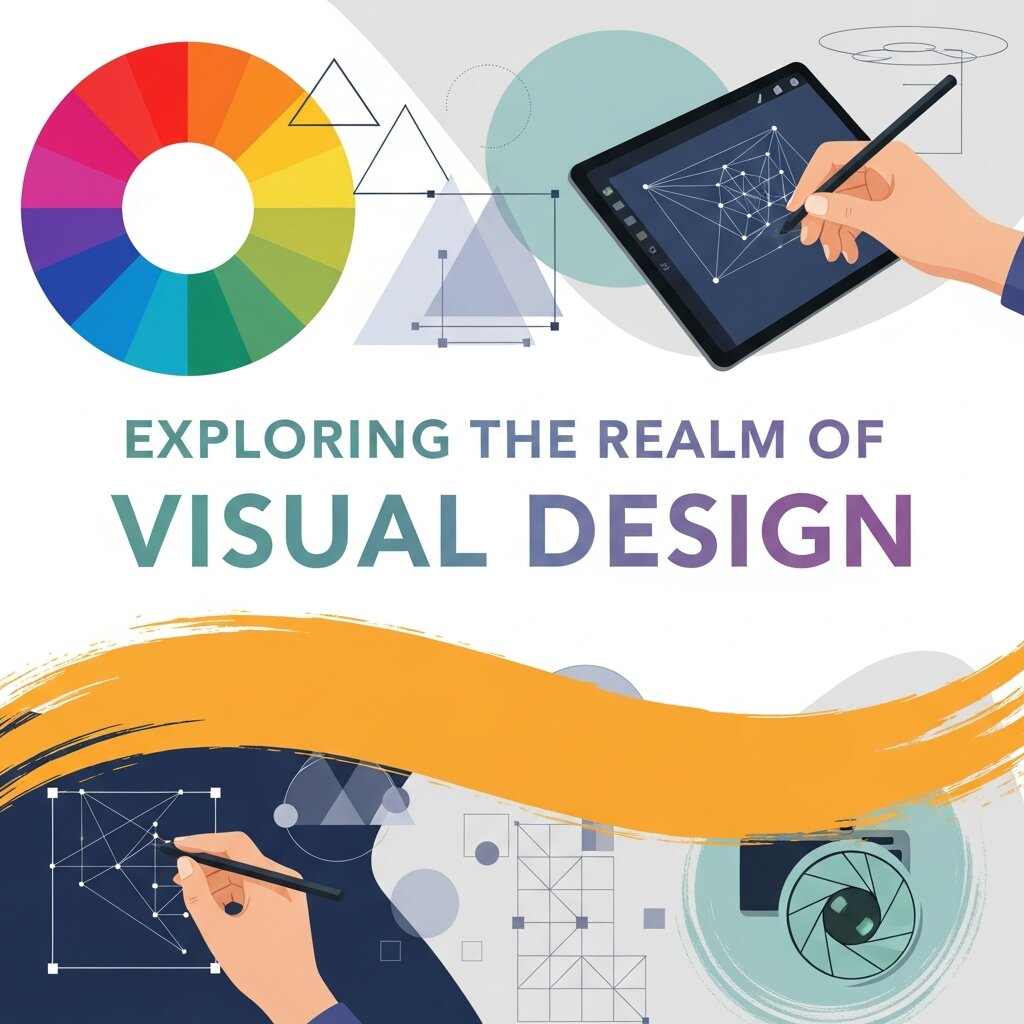 Visual design is a relatively modern discipline. It emerged as screens became the primary medium for human interaction. This field focuses on the aesthetics and usability of digital products.
The Intersection of Graphic Design and Visual Communication
Visual design represents a specialized evolution of graphic design and visual communication tailored for the digital world. While a graphic designer might focus on a static poster, a visual designer focuses on how a user interacts with an interface. They care about the look and feel of a website, software application, or mobile app. Their goal is to create a cohesive digital experience that builds trust and engages the user.
Digital Aesthetics and User Experience
Visual designers do not usually code websites, nor do they map out the deep behavioral wireframes of User Experience (UX) design. Instead, they sit right in the middle. They take wireframes and bring them to life with brand colors, typography, and imagery. They ensure that buttons look clickable, navigation menus are easy to read, and the overall digital environment feels welcoming. The debate of graphic design vs visual design often highlights this specific distinction: visual design is almost exclusively digital and interactive.
The Core Difference Between Graphic and Visual Design
To truly grasp graphic design vs visual design, we must look at their primary objectives, mediums, and deliverables.
Static vs Interactive Mediums
The most obvious difference between graphic and visual design lies in the medium. Graphic design often culminates in a static product. Once a brochure is printed, it cannot be changed. The designer must get it perfect the first time. Visual design lives on screens. It is dynamic. A visual designer must account for how a design looks on a massive desktop monitor and a tiny smartphone screen. They design for interactions, states of change (like a button changing color when you hover over it), and screen responsiveness.
Messaging vs User Journey
Graphic design is highly focused on a specific message. A poster promoting a concert has one job: get people to buy tickets. Visual design focuses on the ongoing user journey. A visual designer crafting an e-commerce website wants the user to enjoy the browsing experience, trust the checkout process, and easily find their way around the digital store. Both fields require immense talent, but they channel that talent toward entirely different end goals.
The Role of Data in Modern Design Strategy
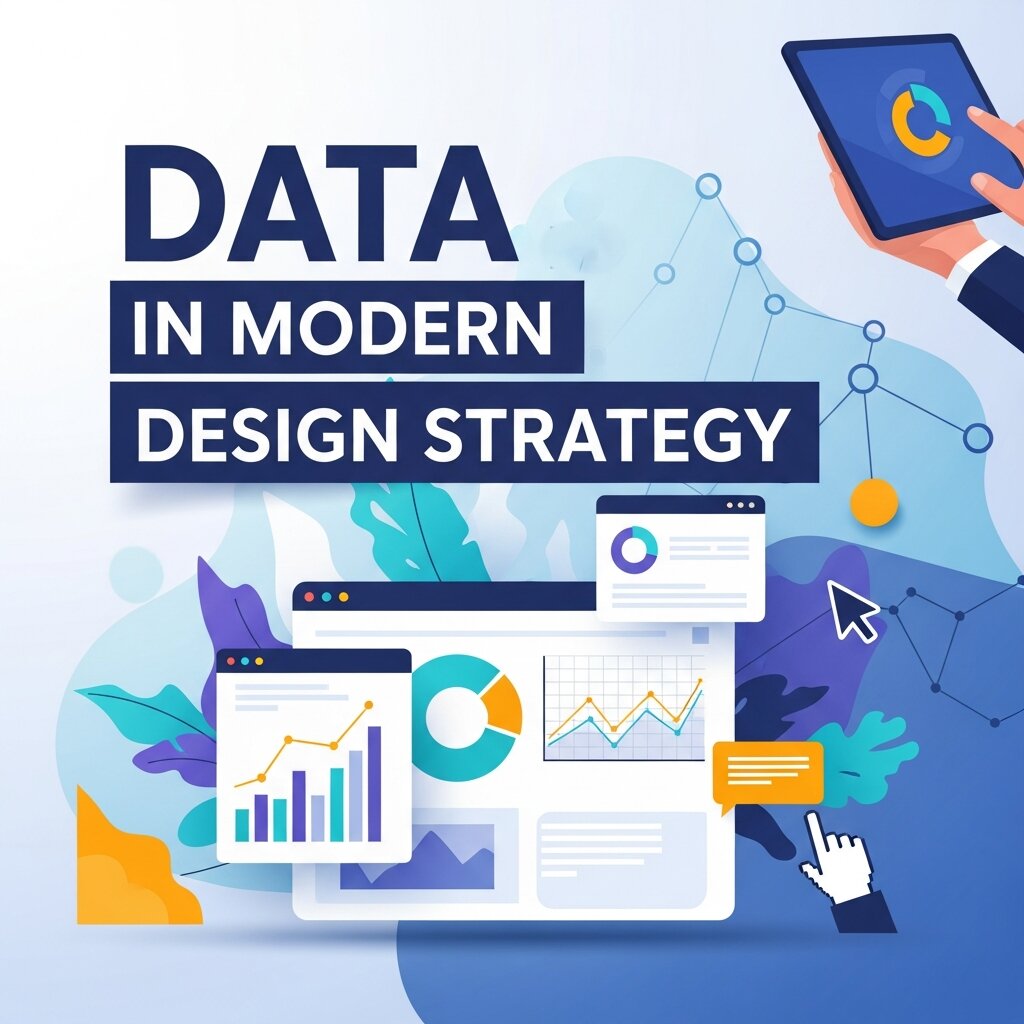 As businesses collect more information, the need to present that information clearly has skyrocketed. This has created a massive demand for data visualization graphic design.
Data Visualization Graphic Design
Numbers and statistics can easily overwhelm an audience. Data visualization graphic design transforms complex datasets into digestible, engaging graphics. This involves creating infographics, charts, and interactive dashboards. A skilled designer knows how to take a spreadsheet full of raw data and turn it into a compelling visual story. This specific niche bridges the gap between analytical thinking and creative execution.
Establishing a Data Visualization Hierarchy
When presenting complex information, structure is everything. Designers must establish a clear data visualization hierarchy. This means organizing information so the most critical data points stand out immediately. A designer might use a bold, contrasting color for the key metric and softer, muted colors for supporting data. By applying a strict data visualization hierarchy, designers prevent cognitive overload and ensure the audience understands the main takeaway at a single glance.
Essential Tools for Creative Professionals
Having the right software is critical for bringing creative visions to life. The market offers a massive variety of applications tailored to different design needs and budgets.
Best Tools for Graphic Design
Industry professionals typically rely on the Adobe Creative Cloud suite. Adobe Illustrator remains the absolute standard for vector-based graphics and logo design. Adobe InDesign is the go-to software for multi-page layouts, magazines, and print brochures. Adobe Photoshop handles raster image manipulation and photo editing. For visual designers, tools like Figma and Sketch have taken over the industry. These platforms are built specifically for interface design, allowing for rapid prototyping and digital collaboration.
Graphic Design Tools Free
Not everyone has the budget for premium software subscriptions. Fortunately, there are incredible graphic design tools free of charge that offer powerful features. Canva is incredibly popular for quickly creating social media graphics, simple flyers, and presentations. For more advanced vector editing, Inkscape provides a robust, free alternative to Illustrator. GIMP (GNU Image Manipulation Program) serves as a highly capable, free alternative to Photoshop.
Best Graphic Design Tools for Small Businesses
Small businesses need software that is efficient, affordable, and easy to learn. The best graphic design tools for small businesses often combine multiple features into one platform. Canva Pro offers an affordable upgrade from its free tier, providing brand kits and premium templates that save small teams hours of work. Affinity Designer and Affinity Photo are also excellent choices. They offer professional-grade tools for a one-time flat fee, completely bypassing the monthly subscription model that many small businesses wish to avoid.
Tools for Collaboration and Feedback
Modern design rarely happens in isolation. Teams need to share work, leave comments, and test interfaces. Finding the right research tools for visual feedback and web design collaboration is essential for a smooth workflow. Figma includes built-in commenting and prototyping features, making it a favorite for remote teams. Platforms like InVision and Miro allow stakeholders to leave precise visual feedback directly on design mockups.
In educational or training environments, selecting a specific visual curriculum design tool can help instructors map out visually engaging course materials. These specialized tools ensure that the learning experience is just as well-designed as a top-tier commercial website.
Frequently Asked Questions
Is graphic design vs visual design a choice I need to make early in my career?
Many professionals start in graphic design to learn foundational principles like typography and color theory. They later transition into visual design by learning digital interfaces and user experience concepts. You do not have to limit yourself early on, but specializing later can boost your earning potential.
What is the main difference between graphic and visual design?
Graphic design focuses heavily on static branding, print materials, and specific messaging. Visual design focuses on the aesthetics, interactivity, and overall look of digital user interfaces like websites and apps.
Can I use graphic design tools for free for commercial work?
Yes, tools like Inkscape, GIMP, and the free version of Canva can be used for commercial projects. Always check the specific licensing agreements for any included fonts or stock images to ensure you have the right to use them commercially.
What is a visual curriculum design tool?
It is a specialized software application used by educators and instructional designers to map out educational courses visually. It helps structure the flow of information, ensuring the curriculum is logical, engaging, and easy for students to navigate.
Why is data visualization graphic design important?
It takes complex, heavy data and translates it into a visual format that people can quickly understand. This is crucial for business reports, news articles, and any situation where raw numbers fail to communicate the real story.
Elevate Your Design Strategy
Navigating the nuances of graphic design vs visual design empowers you to make smarter decisions for your brand. Whether you are hiring a professional to craft a timeless printed brochure or a sleek mobile application, knowing the exact difference between graphic and visual design ensures you find the right talent for the job.
Start by auditing your current brand materials. Do your printed assets align seamlessly with your digital presence? Are you using the best graphic design tools for small businesses to empower your internal marketing team? By investing the right resources into both your static messaging and your interactive digital experiences, you will build a cohesive, memorable brand that resonates deeply with your audience.



Leave a Reply