

Creating stunning visuals used to require a massive budget and years of specialized training. Expensive software subscriptions created a high barrier to entry, locking many talented creators out of the industry. Small business owners, freelance artists, and students often found themselves compromising on the quality of their promotional materials or project presentations simply because they lacked access to the right software.
That landscape has shifted completely. A wave of innovative developers recognized the need for accessible creative software, leading to a massive boom in powerful applications that cost absolutely nothing. Anyone with a computer and an internet connection can now produce professional-grade visuals. You can design everything from engaging social media posts to complex vector illustrations without spending a single dime.
Finding the right software can still feel overwhelming with so many options available. Searching for the best graphic design tools free of charge often yields hundreds of results, making it difficult to separate the truly capable programs from the frustrating, feature-limited ones.
This guide breaks down the most capable free software available right now. We will explore platforms tailored for photo manipulation, vector drawing, and layout creation, helping you identify exactly which application fits your specific workflow and artistic goals.
The Core Concepts: Graphic Design vs Visual Design
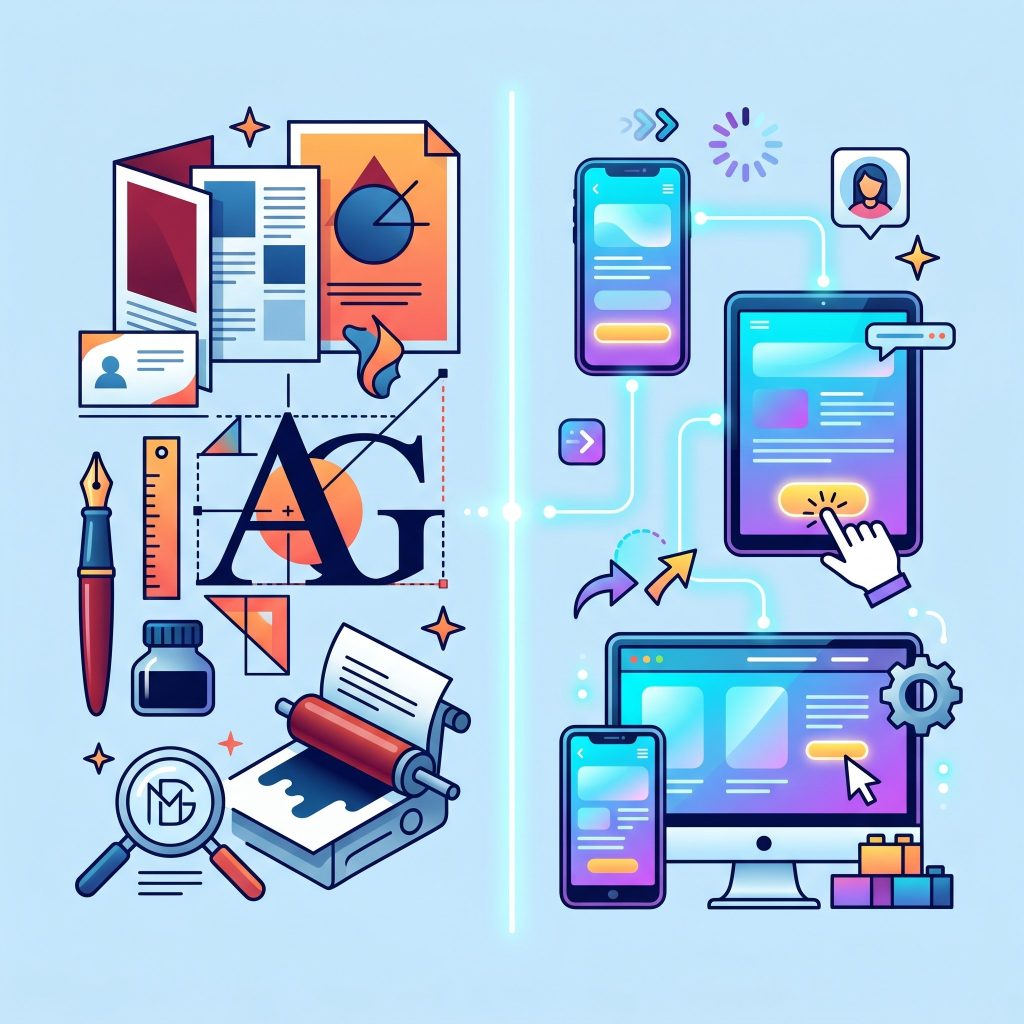 Before jumping into the software recommendations, it helps to understand the terminology used in the creative industry. People often use different design terms interchangeably, but they actually refer to distinct disciplines with specific goals. Understanding the difference between graphic design vs visual design will help you choose the appropriate software for your tasks.
What is Graphic Design?
Graphic design focuses on communicating a specific message to a target audience. Professionals in this field combine typography, imagery, and color to solve a problem or convey information. When you look at a movie poster, a product package, or a corporate logo, you are looking at graphic design. The primary goal is communication and function.
What is Visual Design?
Visual design sits at the intersection of user interface (UI) design and graphic design. It focuses heavily on the aesthetics of a digital product and how those aesthetics affect the user experience. A visual designer cares deeply about the overall look and feel of a website, an application, or a digital platform. They work to ensure consistency across digital touchpoints, aiming to build trust and engagement through visual appeal.
The Role of Graphic Design and Visual Communication
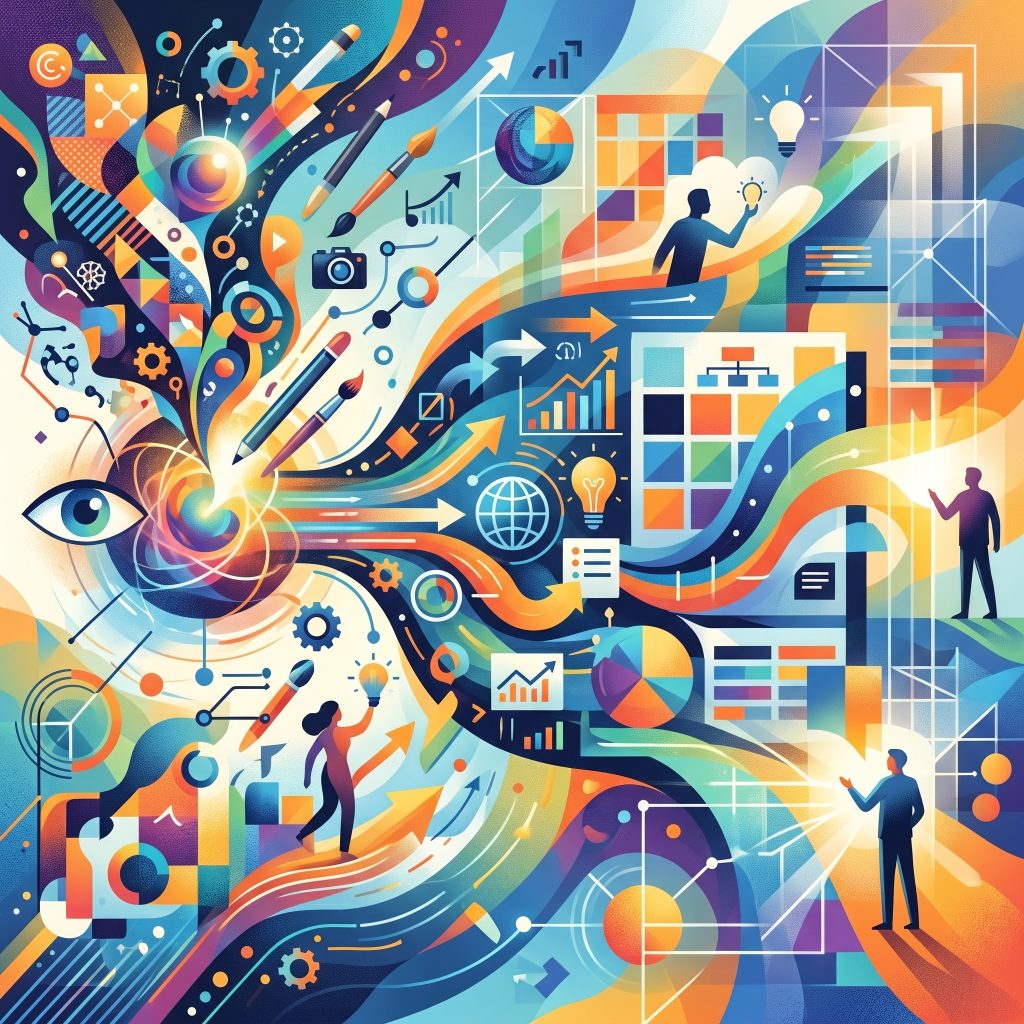 Both of these disciplines rely heavily on the principles of visual communication. The relationship between graphic design and visual communication is foundational; graphic design is essentially the practical application of visual communication theories. By using symbols, layouts, and typography, designers guide the viewer’s eye and evoke specific emotional responses. The tools you choose should empower you to execute these communication strategies effectively.
Top Graphic Design Tools Free for Creators
The open-source community and freemium software companies have developed incredible platforms. Here are the most powerful applications you can start using immediately.
Canva: The Ultimate Layout and Template Builder
Canva transformed the creative industry by making layout creation accessible to everyone. Operating directly in your web browser, this platform removes the learning curve typically associated with professional software.
The drag-and-drop interface allows you to build presentations, social media graphics, and marketing materials in minutes. Canva provides thousands of free templates, fonts, and stock elements. You can start with a blank canvas or modify an existing design to match your brand colors. While the company offers a paid tier, the free version contains more than enough functionality for most everyday design tasks. It excels in collaborative environments, allowing multiple team members to edit a document simultaneously.
GIMP: The Open-Source Photo Manipulation Champion
GIMP (GNU Image Manipulation Program) stands as the most famous free alternative to premium photo editing software. It has been in continuous development for decades, resulting in a highly stable and feature-rich application.
If your projects involve heavy photo retouching, image composition, or detailed pixel pushing, GIMP is the tool to use. It supports layers, custom brushes, advanced masking, and complex color grading. The interface can feel a bit complex for absolute beginners, but the massive community of users has created thousands of free tutorials on YouTube and various forums. GIMP runs on Windows, macOS, and Linux, making it highly accessible regardless of your operating system.
Inkscape: Precision Vector Graphics
Vector graphics are essential for creating logos, icons, and illustrations that need to be scaled up or down without losing quality. Inkscape provides a robust environment for creating and editing these scalable vector graphics (SVG).
Unlike raster images made of pixels, Inkscape uses mathematical equations to render shapes. This means a logo designed in Inkscape will look just as crisp on a business card as it does on a massive highway billboard. The software includes advanced node editing, path operations, and a powerful text tool. It competes directly with expensive industry-standard vector programs, offering professional-level precision entirely for free.
Figma: Collaborative Interface and Prototype Design
Figma revolutionized the way teams build digital products. While primarily known as a UI/UX design application, its vector-based canvas makes it an incredibly versatile graphic design tool.
The platform operates flawlessly in the browser and saves all your work to the cloud automatically. You can create complex vector illustrations, lay out website designs, and build interactive prototypes. The most impressive feature is its real-time collaboration. Multiple designers can work on the same file simultaneously, seeing each other’s cursors move across the screen. Figma’s free tier is extremely generous, offering unlimited files in personal drafts and robust community resources where users share free plugins and UI kits.
Photopea: The Browser-Based Editor
Photopea is an engineering marvel. It is a full-fledged photo and graphics editor that runs entirely within your web browser, requiring no downloads or installations.
The interface deliberately mirrors popular premium desktop applications, making it instantly familiar to experienced designers. Photopea can open and export PSD, XCF, Sketch, XD, and CDR formats. It processes all files locally on your machine, meaning your data never leaves your computer, ensuring total privacy. When you need to make quick, advanced edits on a borrowed computer or a Chromebook, Photopea is an absolute lifesaver.
Krita: A Haven for Digital Painters and Illustrators
While many tools try to do everything, Krita focuses specifically on digital painting and illustration. Created by artists for artists, this open-source software is an absolute powerhouse for conceptual art, texture painting, and comics.
Krita features an incredibly responsive brush engine with highly customizable settings. It includes brush stabilizers to help you draw smooth lines, a pop-up palette for quick color picking, and extensive support for drawing tablets. The software even includes animation capabilities, allowing you to bring your illustrations to life frame by frame.
Choosing the Right Software for Your Workflow
Selecting the right application depends entirely on what you plan to create. Different projects require different technical approaches.
If you are a social media manager needing daily graphics, Canva provides the speed and templates required to maintain a high output. Photographers looking to adjust lighting and remove blemishes should immediately download GIMP or open Photopea. Illustrators who want to paint detailed character designs will find Krita most accommodating. Entrepreneurs building a brand identity from scratch should utilize Inkscape to ensure their logos are properly vectorized.
Many professionals use a combination of these platforms. You might remove the background of an image in Photopea, vectorize a custom icon in Inkscape, and bring both of those elements into Canva to arrange the final social media layout. Since all these platforms are free, you have the luxury of testing them all without financial risk.
Essential Features to Look for in Free Design Tools
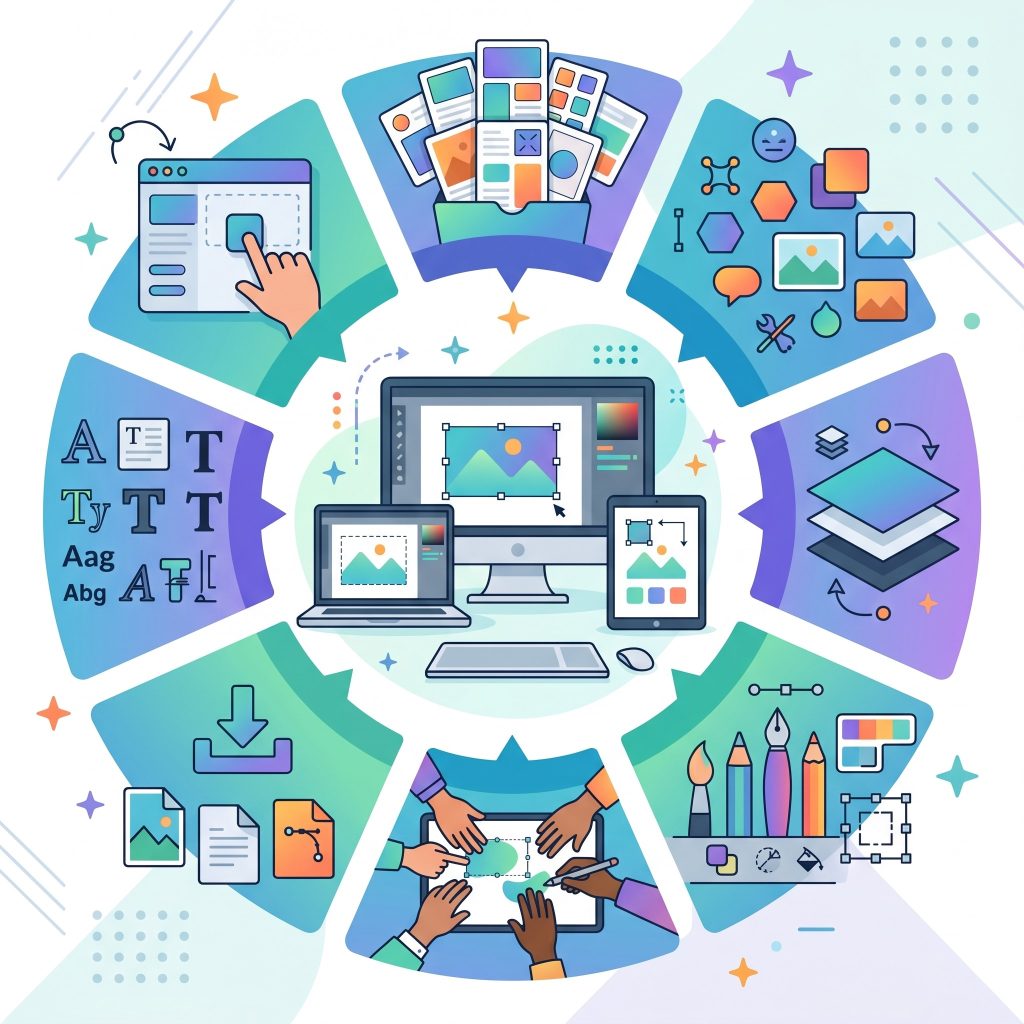 Not all free design tools are created equal, so understanding which features truly matter can save you time and frustration. A reliable tool should support layers, export in multiple formats, and offer a wide selection of fonts and color controls. For more advanced work, features like vector editing, masking, and custom brushes become essential. Cloud storage and auto-save functionality also improve workflow efficiency. Additionally, a user-friendly interface can significantly reduce the learning curve, especially for beginners. Choosing a tool with the right balance of simplicity and power ensures that you can grow your skills without constantly switching platforms as your design needs evolve.
Advantages of Open-Source Design Software
Open-source design tools have become a cornerstone of the free creative ecosystem. Software like GIMP and Inkscape are continuously improved by global communities of developers and designers. This collaborative model results in frequent updates, strong security, and innovative features. Open-source tools also provide complete freedom, allowing users to customize the software or integrate plugins to extend functionality. Unlike proprietary platforms, there are no licensing restrictions or hidden costs. This makes them ideal for freelancers, startups, and students who need professional-grade capabilities without financial commitment, while still maintaining full control over their creative workflow.
Improving Workflow Efficiency with Multiple Tools
Professional designers rarely rely on a single application. Instead, they combine multiple tools to create a streamlined and efficient workflow. For example, you might use Photopea for quick image editing, Inkscape for creating scalable icons, and Canva for assembling final layouts. Each tool specializes in a specific area, allowing you to achieve better results than relying on one platform alone. This approach also increases flexibility, enabling you to adapt to different project requirements. By mastering how these tools work together, you can significantly boost productivity and produce more polished, professional designs.
Future Trends in Free Graphic Design Tools
The future of free graphic design tools looks incredibly promising as technology continues to evolve. Artificial intelligence is already being integrated into platforms like Figma and Canva, enabling features such as automated layout suggestions and background removal. Cloud-based collaboration will become even more seamless, allowing global teams to work together in real time without limitations. Additionally, improvements in browser performance will make online tools as powerful as traditional desktop software. As these innovations continue, the gap between free and paid tools will shrink even further. Creators can expect more advanced capabilities, faster workflows, and greater accessibility in the years ahead.
Frequently Asked Questions About Free Design Software
What are the best free graphic design tools for beginners?
For beginners, tools like Canva and Figma are ideal because of their simple interfaces and ready-made templates. These platforms require little to no prior experience and allow users to create professional designs quickly. They also offer tutorials and community resources that make learning easier.
Can free graphic design tools replace paid software?
In many cases, yes. Applications like GIMP and Inkscape offer advanced features comparable to premium tools. While paid software may provide additional convenience or integrations, free tools are more than capable of handling most professional design tasks.
Which free tool is best for logo design?
For logo design, Inkscape is one of the best options. It uses vector graphics, ensuring your logo remains sharp and scalable across all formats. Figma is also a strong choice for creating modern, clean logos.
Are browser-based design tools reliable?
Yes, browser-based tools like Photopea and Canva are highly reliable. They save your work automatically and can run on almost any device. However, a stable internet connection is essential for smooth performance.
Is it possible to collaborate using free design tools?
Absolutely. Figma is particularly well-known for its real-time collaboration features, allowing multiple users to work on the same project simultaneously. Canva also supports team collaboration, making it perfect for businesses and remote teams.
Start Building Your Visual Portfolio
The financial barriers to digital creativity have completely disappeared. A massive ecosystem of graphic design tools free of charge is waiting to be explored. You now have access to the same technological capabilities that high-end agencies use to build global campaigns.
The most important step is simply to begin. Pick one of the tools mentioned above, open a blank canvas, and start experimenting with shapes, colors, and typography. As you familiarize yourself with the interfaces and workflows, you will find your creative voice and develop the technical skills necessary to bring your ideas to life. Download your preferred software today and start designing your next big project.



Leave a Reply