

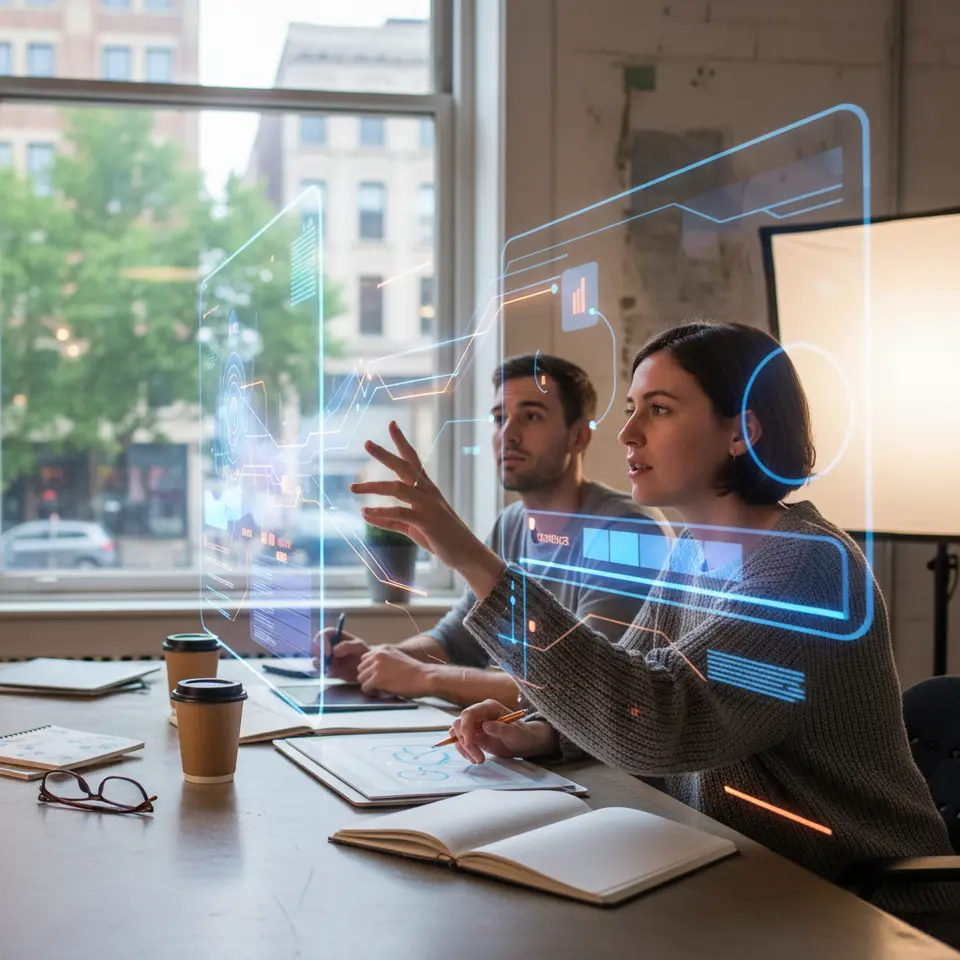
In today’s digital landscape, Augmented Reality Graphic Design is redefining how audiences experience visual narratives. Currently, creative professionals blend traditional design principles with interactive three-dimensional elements to produce immersive overlays that breathe life into static environments. This year (2026), brands and educators alike are harnessing this technology to captivate attention, improve comprehension, and foster deeper emotional connections.
As user expectations evolve, designers must adapt their workflows and toolsets to develop seamless AR interactions. In this article, we will explore foundational concepts, examine the key advantages of adopting AR graphic design, survey leading software solutions, outline a structured project workflow, and highlight best practices alongside emerging trends. Whether you are a seasoned designer seeking to elevate your skillset or a newcomer eager to experiment, this guide will empower you to integrate Augmented Reality Graphic Design effectively into your next project.
Understanding Augmented Reality Graphic Design

Defining Core Concepts
Augmented Reality Graphic Design merges visual communication techniques with spatial computing to overlay digital content on top of real-world scenes. Unlike traditional two-dimensional graphics, AR compositions can include animations, audio cues, and interactive hotspots that respond to user input. Designers employ a variety of media—vector illustrations, 3D models, and motion graphics—to craft layered experiences that users access through smartphones or dedicated headsets. By anchoring virtual assets to real surfaces, AR fosters a dynamic interplay between the physical and digital realms.
AR versus VR
It is important to distinguish between Augmented Reality Graphic Design and Virtual Reality (VR). While VR transports users to fully simulated environments, AR enriches the existing surroundings by adding digital overlays without isolating individuals from their context. This distinction makes AR more approachable for mainstream applications; users need only launch an app or scan a marker to interact with graphic elements that appear seamlessly fused to their actual environment. Research from institutions such as MIT underscores how this accessibility lowers the barrier to entry, making AR projects a practical choice for marketing, education, and interactive storytelling.
Advantages of Implementing AR in Design Strategies
Elevating User Engagement
Augmented Reality Graphic Design encourages active participation. When audiences tap, tilt, or move around AR content, they become co-creators of their experience. This interactivity significantly extends dwell time, improving message retention and brand recall. According to studies by NASA’s Jet Propulsion Laboratory, interactive visualizations can increase information retention by up to 70% compared to passive viewing, a metric that highlights AR’s power to make content memorable.
Immersive Brand Storytelling
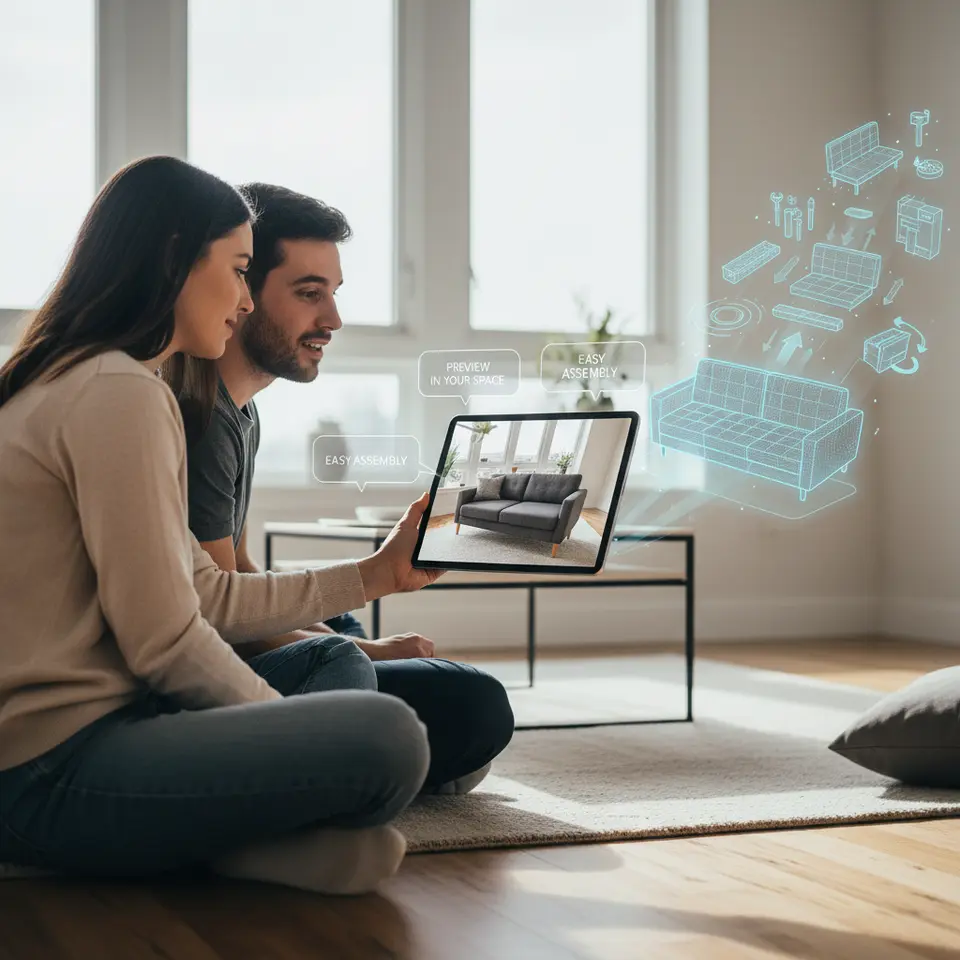
Brands can leverage AR to weave rich narratives that blend product showcases with contextual environments. Imagine previewing furniture in your living room at true-to-scale dimensions or interacting with a product manual that springs to life with animated demonstrations. These immersive campaigns not only differentiate companies from competitors but also foster a sense of novelty and delight, strengthening brand loyalty.
Enhanced Learning and Training
Educational institutions and corporate training programs are incorporating AR overlays to simplify complex subjects. By embedding step-by-step instructions, 3D anatomical models, or interactive data visualizations into textbooks and manuals, learners benefit from multisensory reinforcement. Government organizations and research bodies report that such approaches cater to diverse learning styles while reducing cognitive load.
Competitive Differentiation
In today’s crowded marketplace, early adopters of Augmented Reality Graphic Design signal innovation and thought leadership. Companies showcasing compelling AR experiences can command premium pricing and capture media attention, positioning themselves at the forefront of technological adoption.
Key Tools and Platforms for AR Graphic Designers
Adobe Aero and Creative Cloud Integration
Adobe Aero offers a visual interface for constructing interactive AR scenes without extensive coding knowledge. Designers can import layered files from Photoshop and Illustrator, animate vector shapes, and define simple triggers to reveal information or launch sequences. As part of the Creative Cloud ecosystem, Aero ensures smooth handoffs between traditional graphic tasks and immersive design.
Unity with AR Foundation
Unity remains a leading engine for cross-platform AR development. Paired with AR Foundation, it provides a unified API for both ARKit (iOS) and ARCore (Android). Designers and developers can leverage a robust asset store, C# scripting, and advanced physics systems to build interactive prototypes or production-grade experiences.
Unreal Engine for Photorealism
Unreal Engine excels in delivering high-fidelity visuals and dynamic lighting. Its Blueprint visual scripting system streamlines rapid prototyping, making it accessible to creatives who prefer node-based programming over text-based code. Unreal’s AR toolkits facilitate spatial mapping and image tracking for polished, immersive results.
Blender and Open-Source Modeling
Blender empowers designers to sculpt detailed 3D assets and animate characters or environmental elements. As an open-source solution, it supports export formats like GLTF and FBX, which integrate smoothly with AR engines. Blender’s growing community also contributes plugins that simplify mobile optimization and texture baking.
Spark AR Studio for Social Filters
Engaging younger demographics on social platforms often starts with filters and lenses. Spark AR Studio by Meta enables creators to craft face-tracking effects, world-tracking animations, and interactive elements for Instagram and Facebook. Its intuitive interface and active community make it easy to publish shareable experiences in minutes.
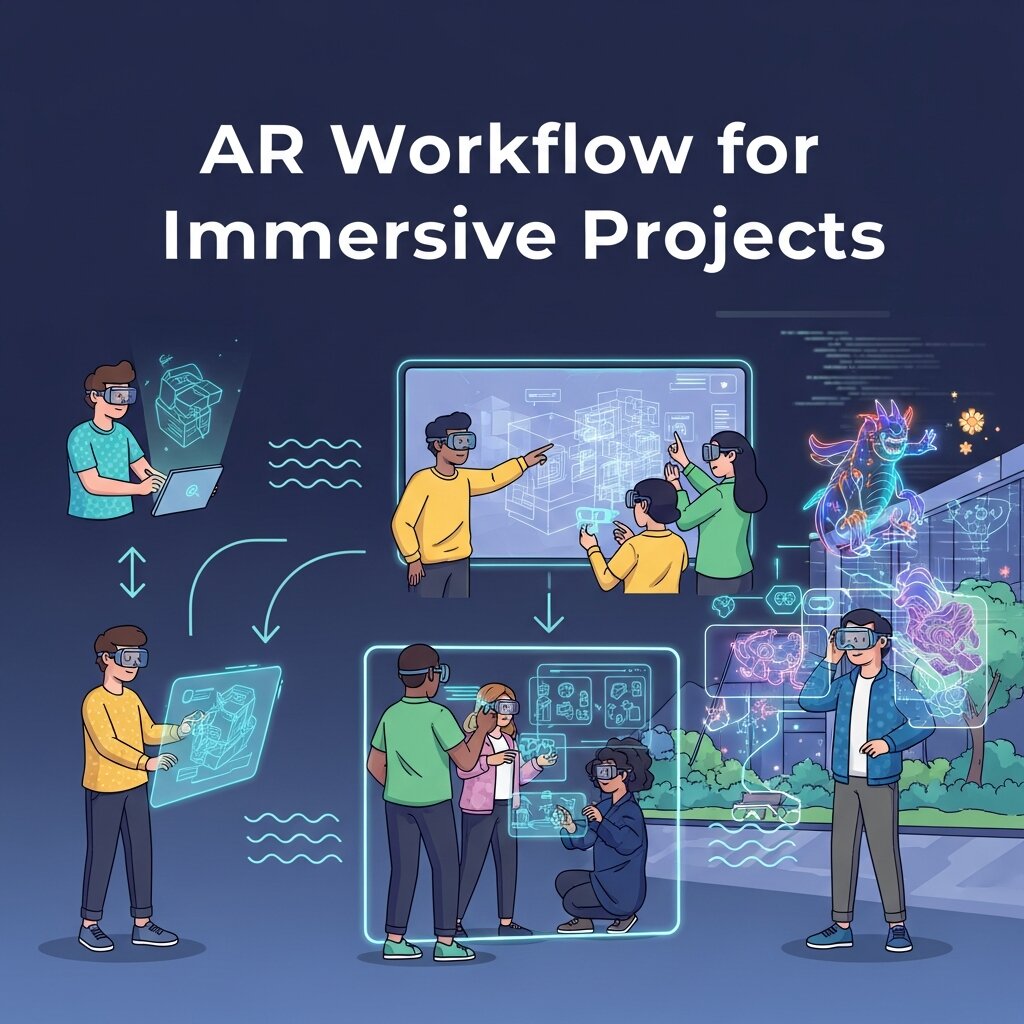
Crafting an Effective AR Workflow for Immersive Projects
Goal Definition and Planning
Every successful AR undertaking starts with clear objectives. Are you boosting product engagement, supporting remote learning, or delivering interactive art? Define success metrics—such as session length, interaction count, or conversion rate—to guide design choices and measure ROI. Collaborative ideation sessions with stakeholders will ensure alignment between creative vision and business goals.
Conceptual Storyboarding
Before diving into asset creation, sketch user journeys and key interactions on paper or digital whiteboards. Map out how digital overlays anchor to real-world markers or surfaces, and illustrate triggers that launch animations or information panels. This low-fidelity stage helps teams iterate on user flows without incurring substantial production costs.
Asset Production and Optimization
Design vector illustrations, UI overlays, and 3D models using the tools best suited to your skillset. Prioritize efficient geometry and compressed textures to maintain performance on mobile devices. Export assets in compatible formats—SVG for simple vectors, GLTF for complex meshes—and adhere to polygon budgets recommended by platform guidelines.
Integration and Interaction Design
Import assets into your chosen AR environment, configure tracking modes (marker-based or markerless), and assign interactions. Define gestures—tap, pinch, or gaze—that activate content, reveal annotations, or navigate scenes. Keep interfaces intuitive to minimize user friction and ensure accessibility for a broad audience.
Testing, Feedback, and Iteration
Conduct usability sessions on diverse devices and under varying lighting conditions. Gather feedback from target users, identify pain points, and refine both visuals and interactions. Iterative sprints help deliver polished experiences while managing scope and deadlines.
Deployment and Analytics
Once finalized, export the AR experience and publish via web-based AR, mobile apps, or social media channels. Provide clear instructions for access or installation. Implement analytics tools to monitor usage patterns, engagement rates, and technical performance. Data insights will inform future enhancements and demonstrate the value of Augmented Reality Graphic Design to stakeholders.
Best Practices and Emerging Trends in AR Graphic Design
Performance Optimization and Accessibility
To deliver seamless AR interactions, minimize asset file sizes and streamline shaders. Employ level-of-detail (LOD) techniques, use texture atlases, and remove unseen geometry. Equally important is ensuring accessible design: maintain sufficient text contrast, support adjustable font sizes, and provide alternative cues for users with limited mobility.
Visual Consistency and Brand Cohesion
Align AR overlays with your brand’s identity—color palette, typography, and overall aesthetic. Consistent visuals reinforce recognition and trust. Consider creating a style guide for AR components, just as you would for print or web materials.
Spatial Awareness and Environmental Adaptation
Real-world conditions vary widely. Design fallback color schemes and simplified models for low-light or featureless surfaces. Incorporate real-time lighting estimation and dynamic occlusion to integrate digital objects more naturally into physical spaces.
AI-Driven Automation and Personalization
Machine learning tools are becoming integral to AR workflows, automating asset tagging, rigging, and environment mapping. Data-driven personalization delivers tailored AR experiences based on user preferences or location, enhancing relevance and engagement.
Collaborative AR Workspaces
Cloud-based AR platforms are emerging that allow distributed teams to co-edit scenes in real time. Designers, developers, and clients can annotate assets, adjust interactions, and review progress within a shared spatial canvas—accelerating feedback loops and reducing miscommunication.
Web-Based AR Accessibility
Browser-native AR is removing friction points associated with app installs. Users can scan a QR code or click a link to launch an AR scene instantly, widening reach and encouraging spontaneous engagement. Government bodies and universities are exploring WebAR for public outreach and remote learning initiatives.
Frequently Asked Questions
What skills are essential for AR graphic designers?
AR graphic designers should have a strong foundation in vector and raster design, 3D modeling, and animation. Familiarity with AR platforms (such as Adobe Aero or Unity) and an understanding of user interaction principles are also critical. Soft skills like collaboration and iterative problem-solving enhance project delivery.
How do I choose between marker-based and markerless AR?
Marker-based AR relies on identifiable images or patterns to trigger content, offering precision in well-lit, controlled environments. Markerless AR uses surface detection and SLAM (Simultaneous Localization and Mapping) to place digital assets without predefined targets, making it more flexible for diverse real-world scenarios. Your choice depends on project constraints and user context.
Can AR experiences run directly in web browsers?
Yes—WebAR technologies like WebXR enable AR in browsers without requiring app installs. Users can launch experiences via QR codes or hyperlinks, improving accessibility and reach. However, device compatibility and performance should be tested across target platforms.
What metrics should I track to measure AR success?
Key metrics include session duration, interaction count (e.g., taps, swipes, rotations), content completion rates, and conversion rates for e-commerce applications. Technical performance indicators like frame rate, load times, and crash analytics also inform optimizations.
Conclusion
Augmented Reality Graphic Design presents an exciting frontier for visual storytellers, marketers, educators, and innovators. By fusing digital assets with real-world contexts, designers can captivate audiences, convey complex information intuitively, and strengthen brand connections. In today’s increasingly interactive world, embracing this technology offers a powerful competitive advantage. This year (2026), professionals who adopt efficient workflows, leverage state-of-the-art tools, and adhere to best practices will shape the next wave of immersive experiences. As you embark on your AR journey, remain curious, prioritize user-centric design, and monitor evolving trends to keep your projects at the cutting edge. Embrace experimentation, gather actionable data, and let Augmented Reality Graphic Design elevate your creative vision to new dimensions.
Read more about this topic: Data Visualization Graphic Design: Telling Visual Stories



Leave a Reply